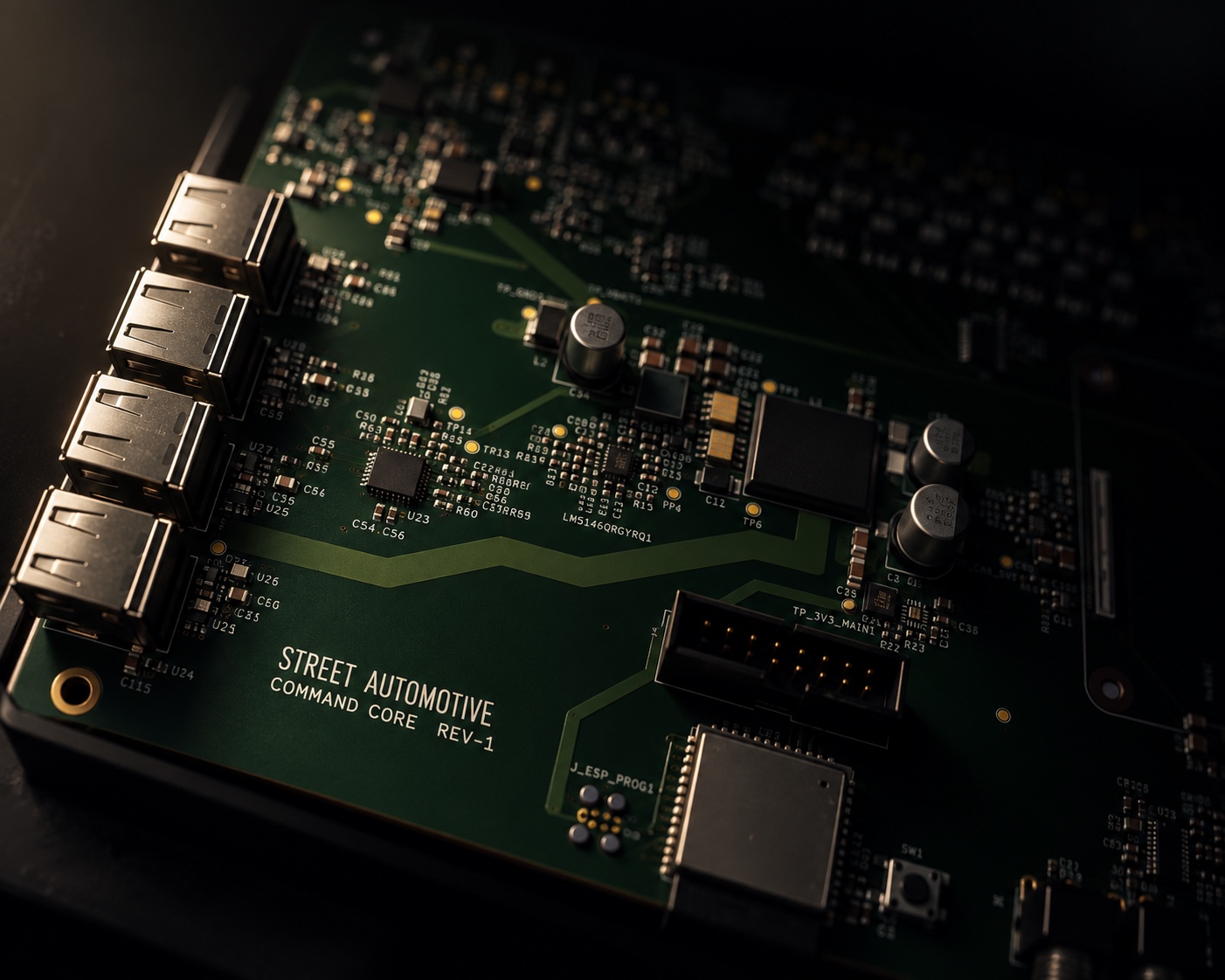
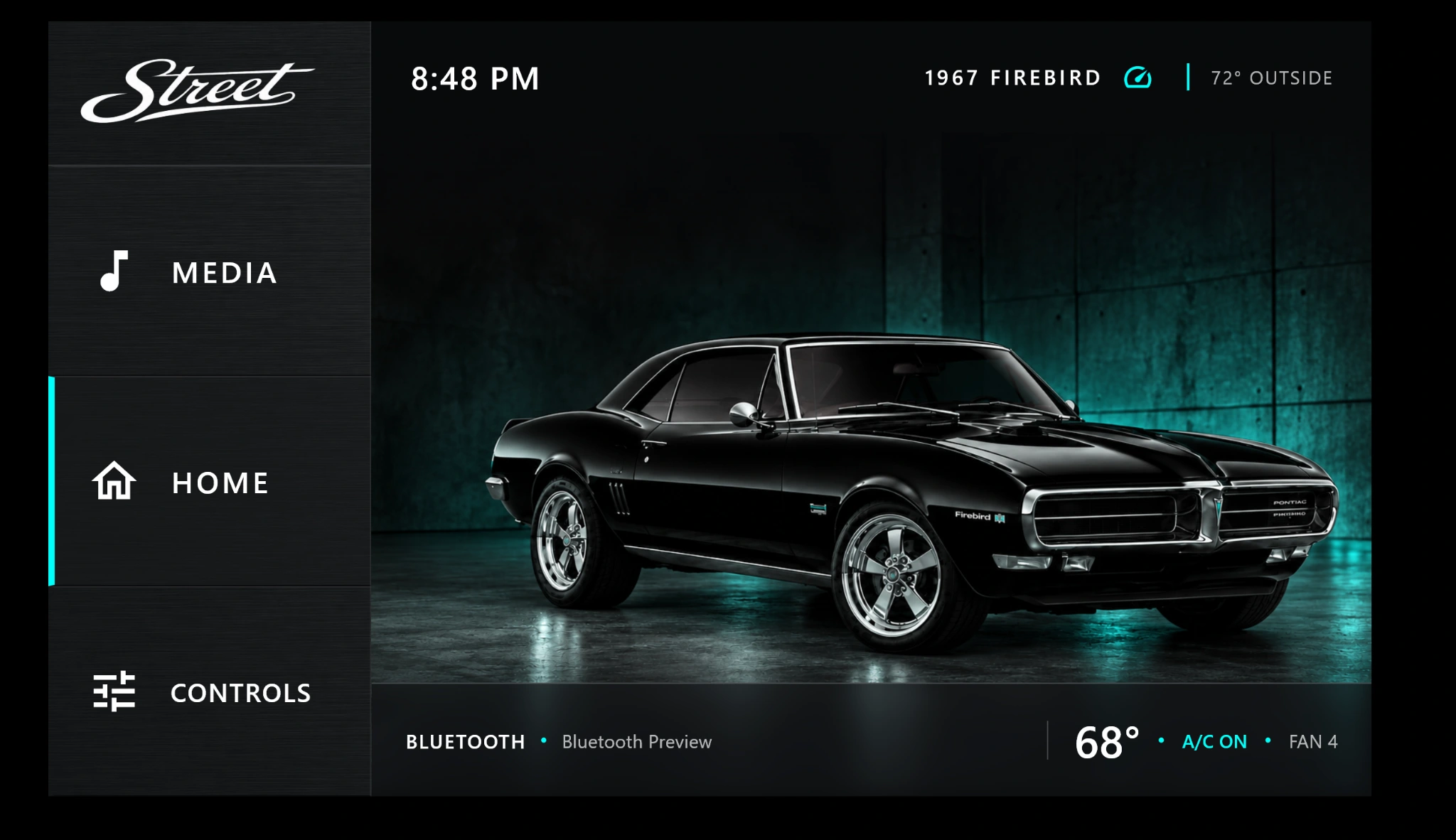
 COMMAND CORE / BLUETOOTH INTERFACE
01 / MEDIA
YOUR MUSIC. YOUR DRIVE.
Enjoy Bluetooth audio and calls, AM/FM radio, and USB audio through Command Core.
INCLUDED / BLUETOOTH · AM/FM · USB AUDIO
Modern control. Built around your car.
Command Core begins with your vehicle and the systems in it. Choose the functions you want to control, from climate and seats to windows and lighting. We review your build and configure the interface around the hardware it actually has.
Supply a photo of your car and it can become part of the startup screen and visual theme. Four AUX outputs are standard, and unused seat, window, or lock outputs can become additional custom controls. Name each screen control for the accessory it operates. The result feels specific to your car, down to the controls on the screen.
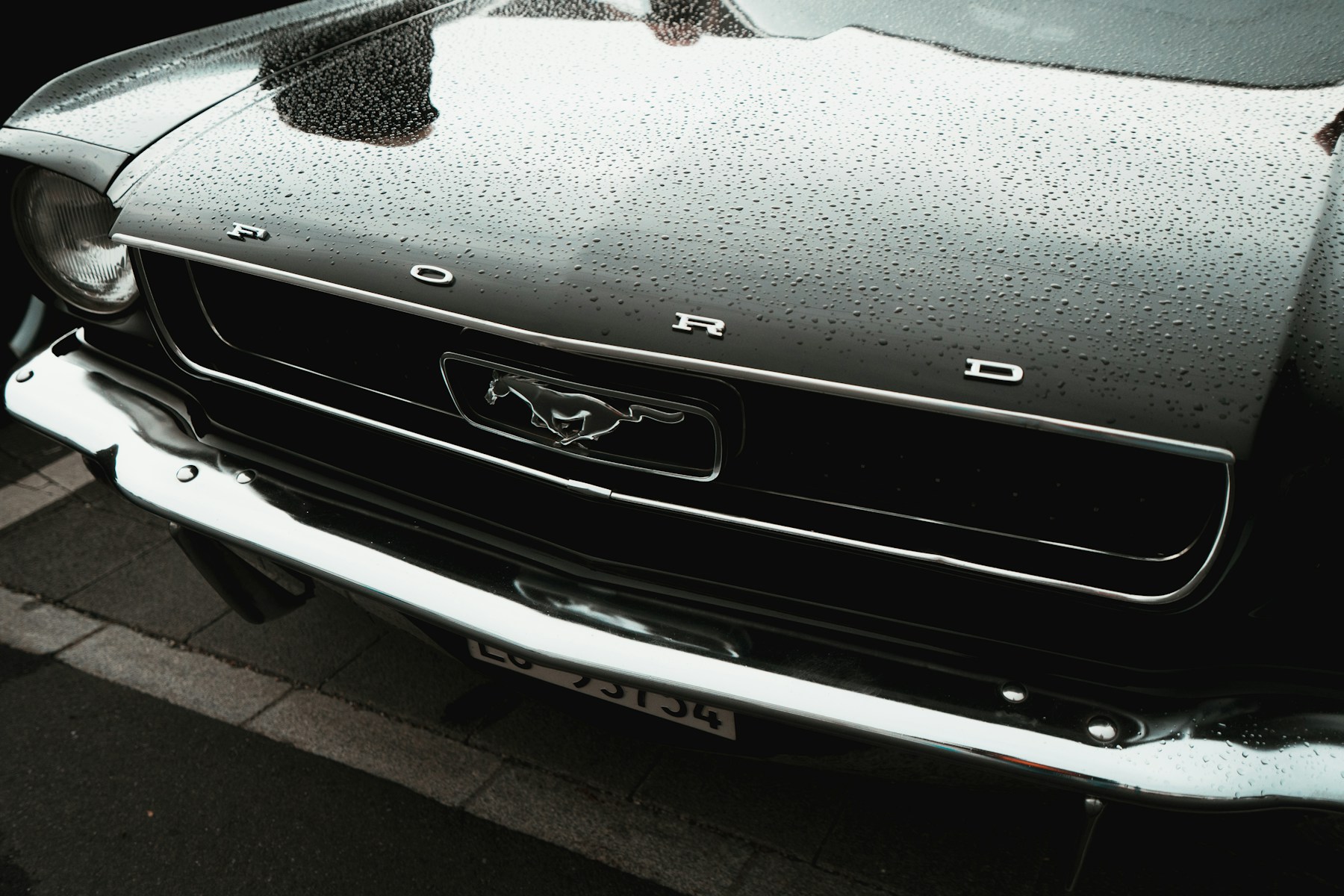
One central interface for the systems you choose to bring into your build.
COMMAND CORE / BLUETOOTH INTERFACEEnjoy Bluetooth audio and calls, AM/FM radio, and USB audio through Command Core.
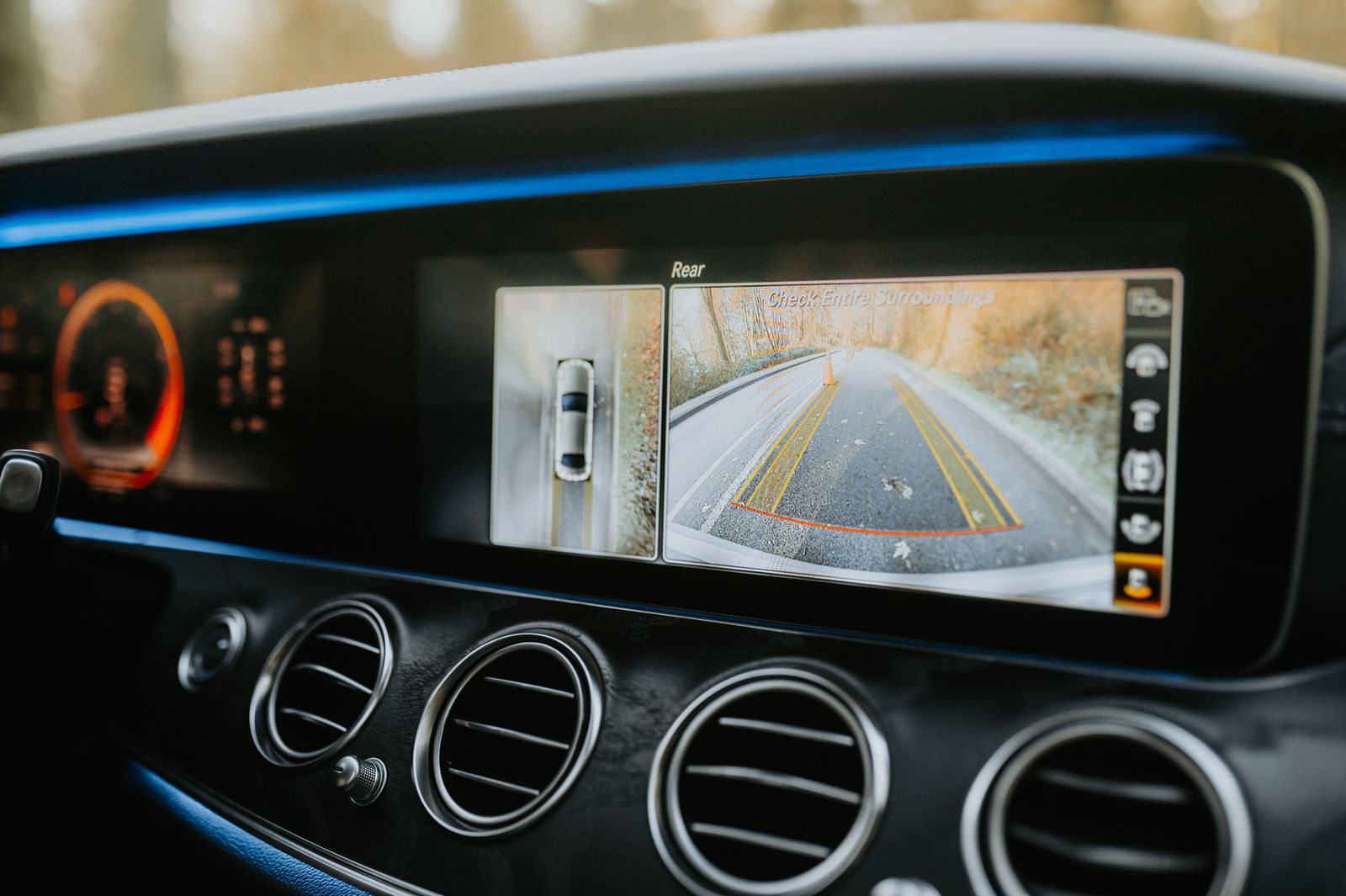 CAMERA FEED IN A REFERENCE VEHICLE
The camera input is included with every Command Core. Connect a compatible backup camera to see the view behind your car on the screen.
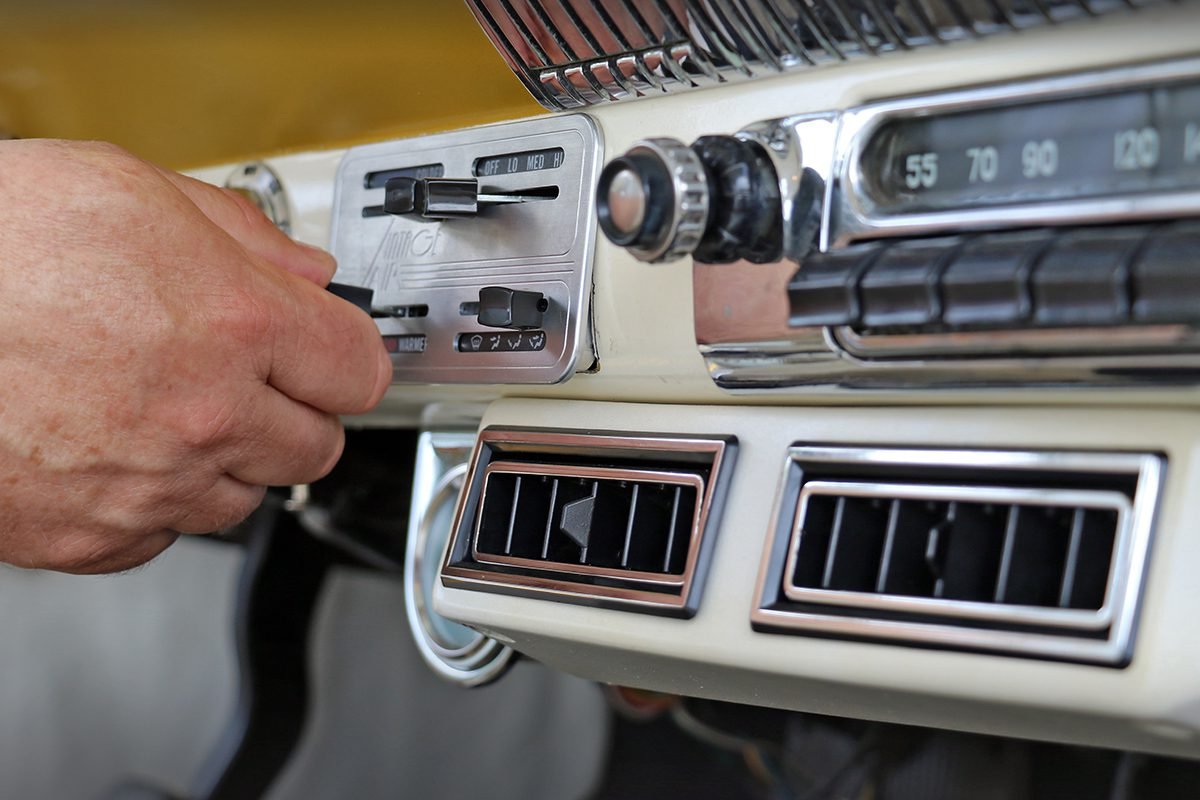 CLASSIC CLIMATE CONTROLS / REFERENCE VEHICLE
With compatible Vintage Air hardware, Command Core can control temperature, fan speed, and vent mode from one interface.
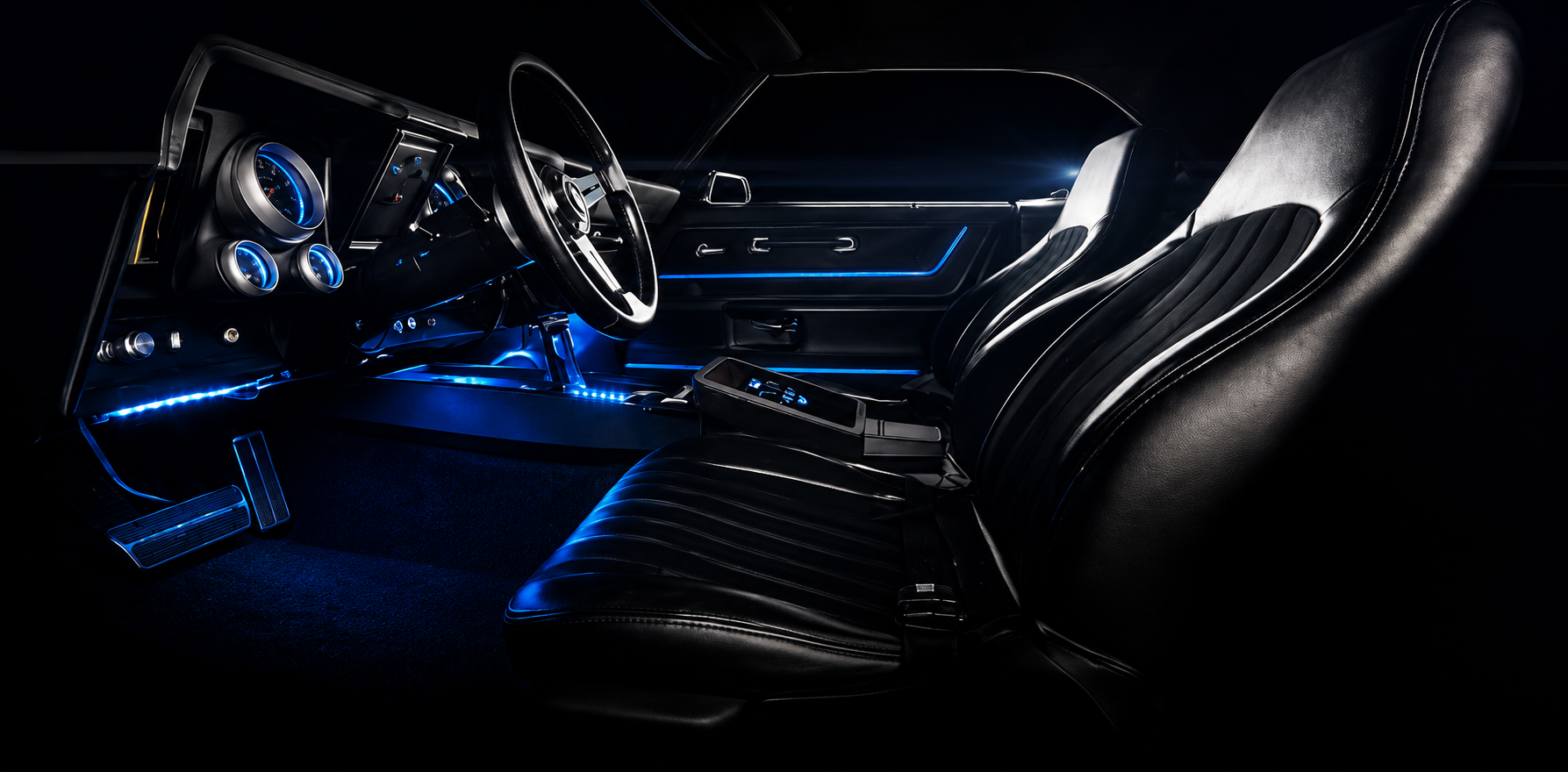 REFERENCE INTERIOR / LIGHTING COLOR ENHANCED
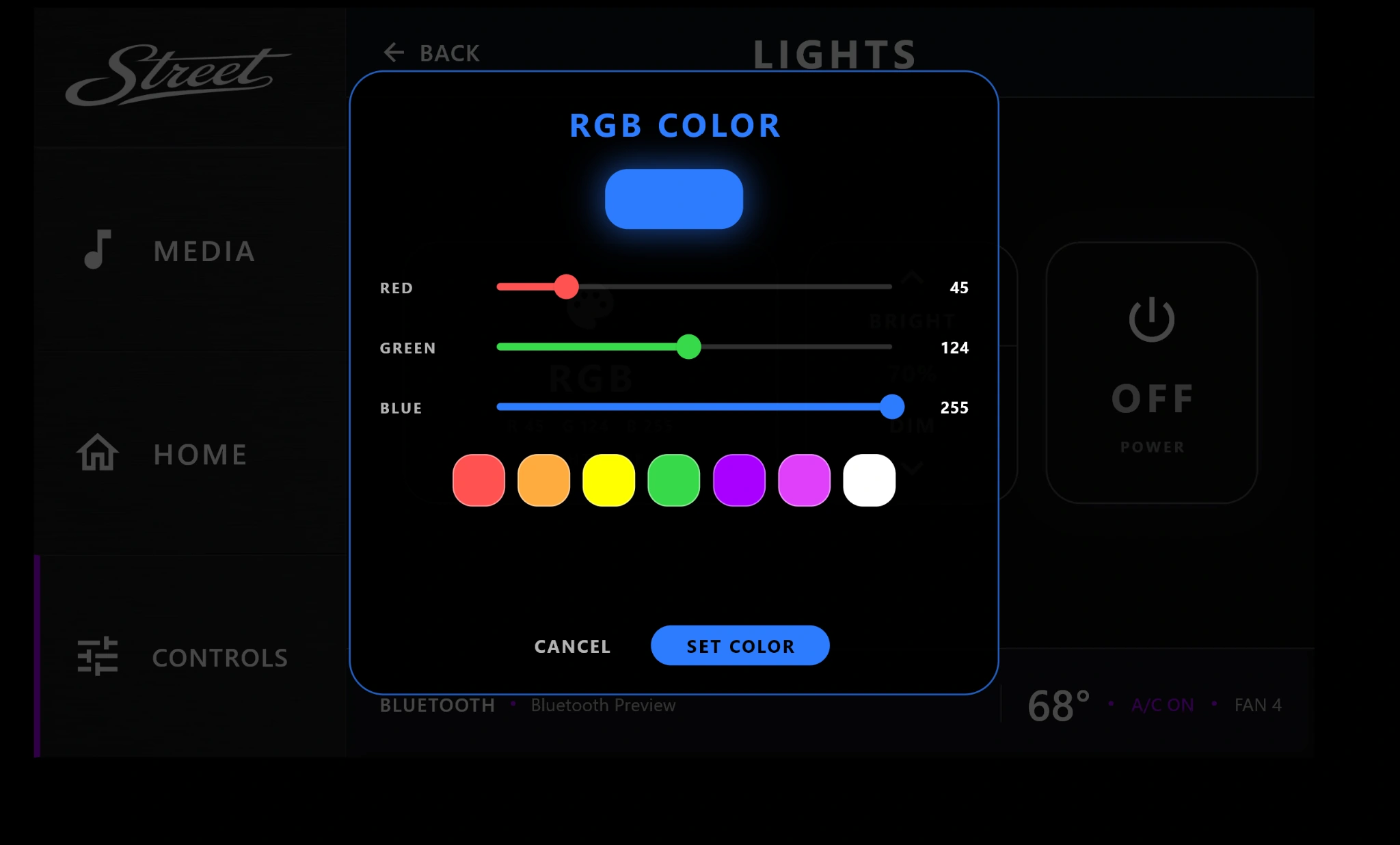
A dedicated addressable RGB output is included with every Command Core, so you can control compatible interior lighting from the same screen.
Choose a preset or fine-tune red, green, and blue for your own lighting color. Adjust brightness and switch compatible interior lighting on or off from Command Core.
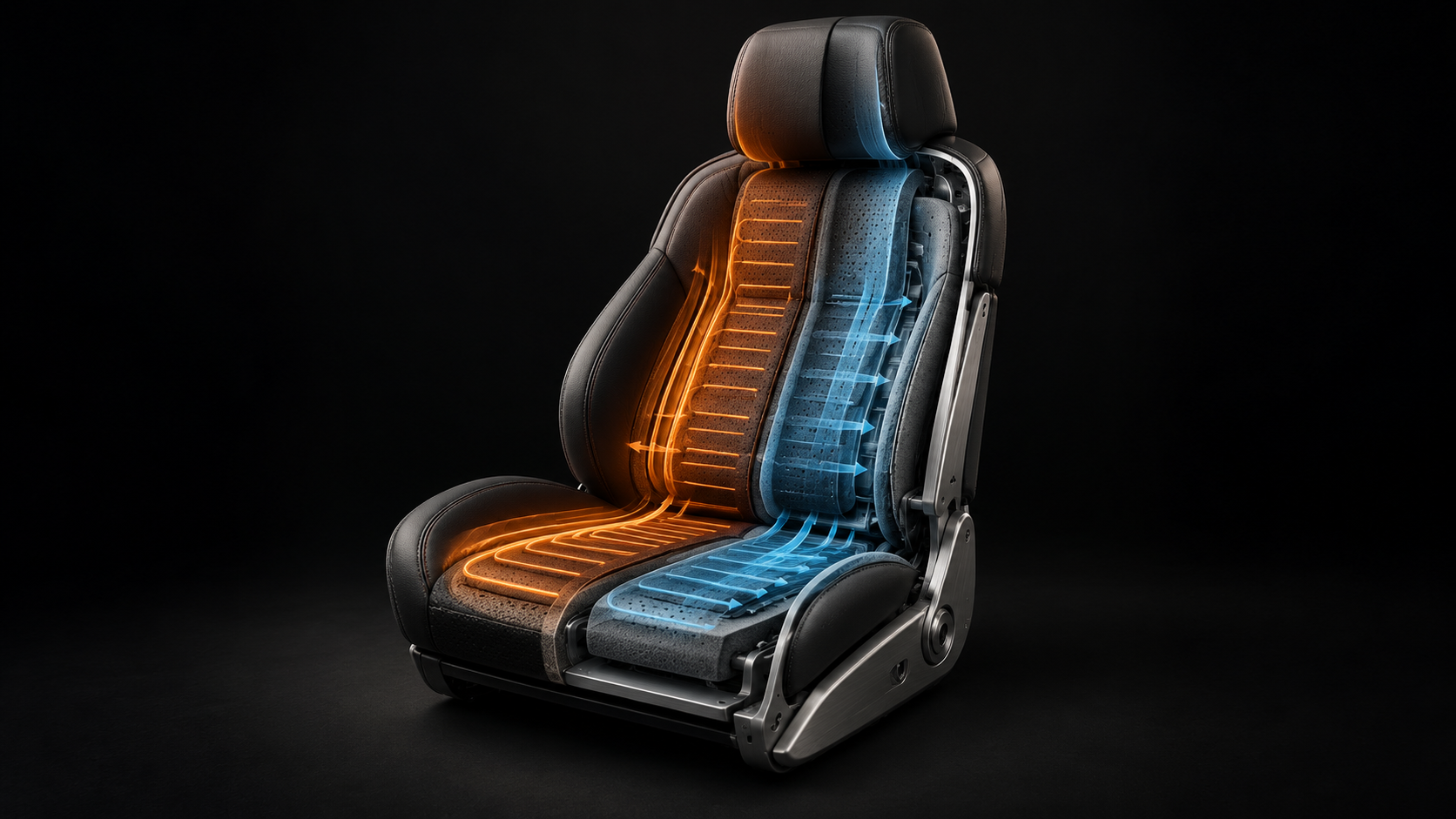 HEAT + COOL / ILLUSTRATIVE GRAPHIC
Give the driver and passenger independent heating and cooling controls for compatible seats.
 CLASSIC DOOR REFERENCE
Control driver and passenger windows, all-window commands, and lock or unlock from the central interface.
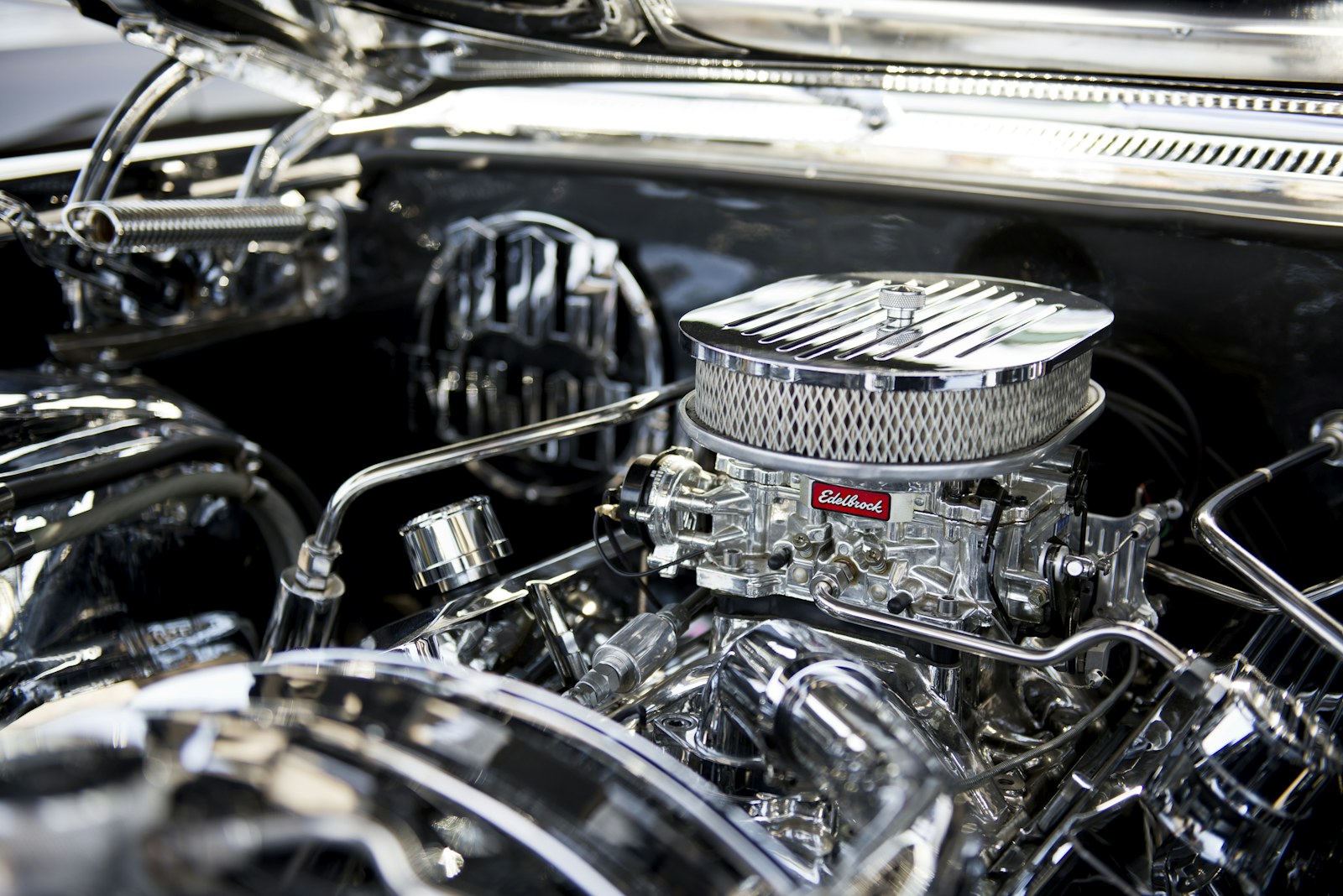 CLASSIC ENGINE REFERENCE
Bring supported engine readings into customizable on-screen gauges. Tailor the display and accent color to your car. Each vehicle and ECU is reviewed before integration.
Customize the gauge display and choose any accent color within Command Core.
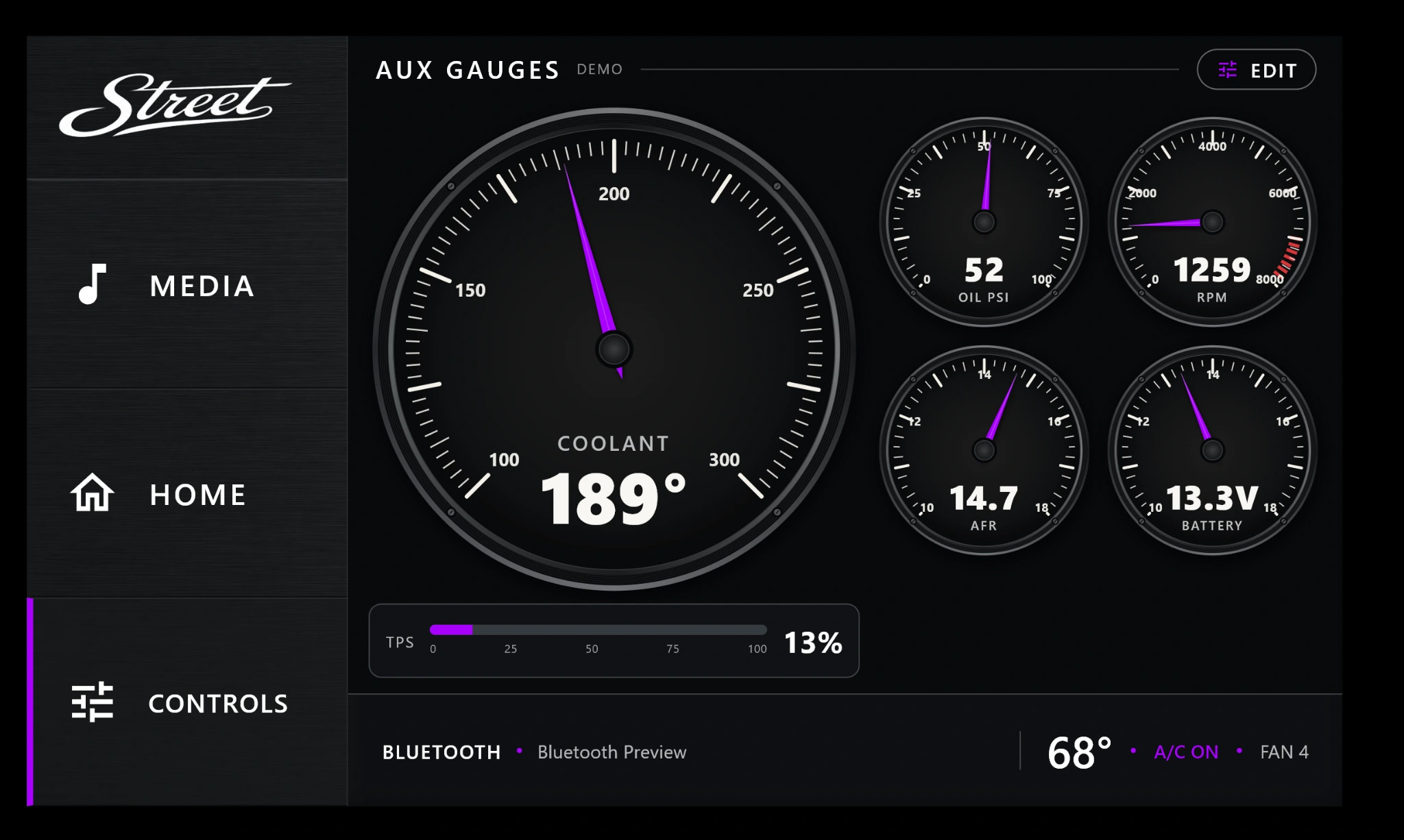
COMMAND CORE / ENGINE GAUGE DEMO Example readings shown. Available data depends on your ECU and sensors.
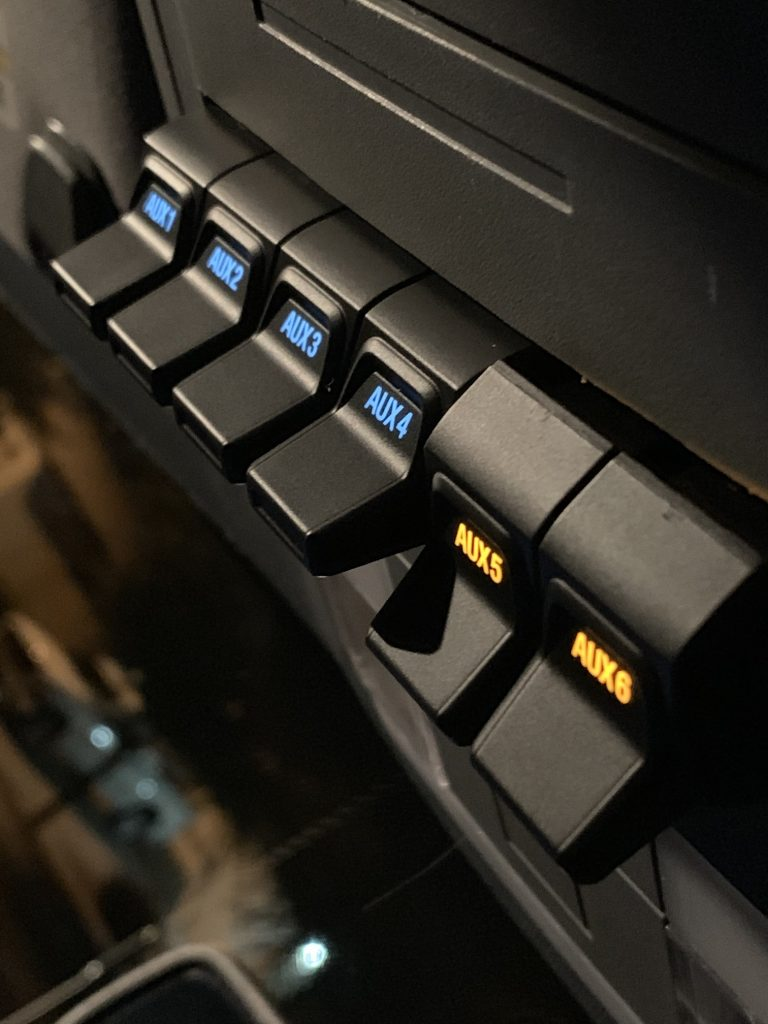 AUXILIARY SWITCHES / REFERENCE VEHICLE
Four AUX outputs are standard. Available outputs can be assigned to accessories in your build, with a screen control named for each one.
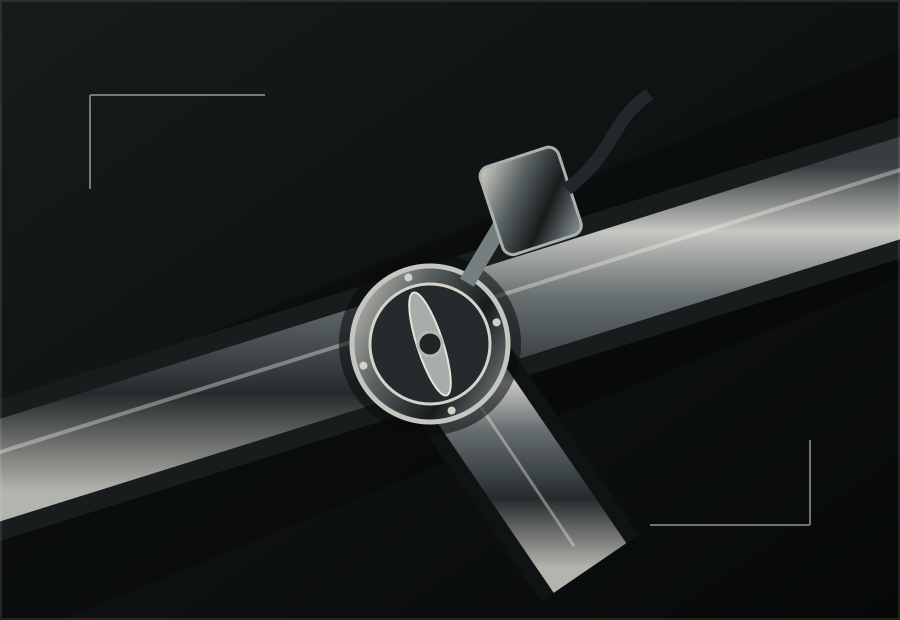
Bring compatible electric cutouts into your on-screen controls.
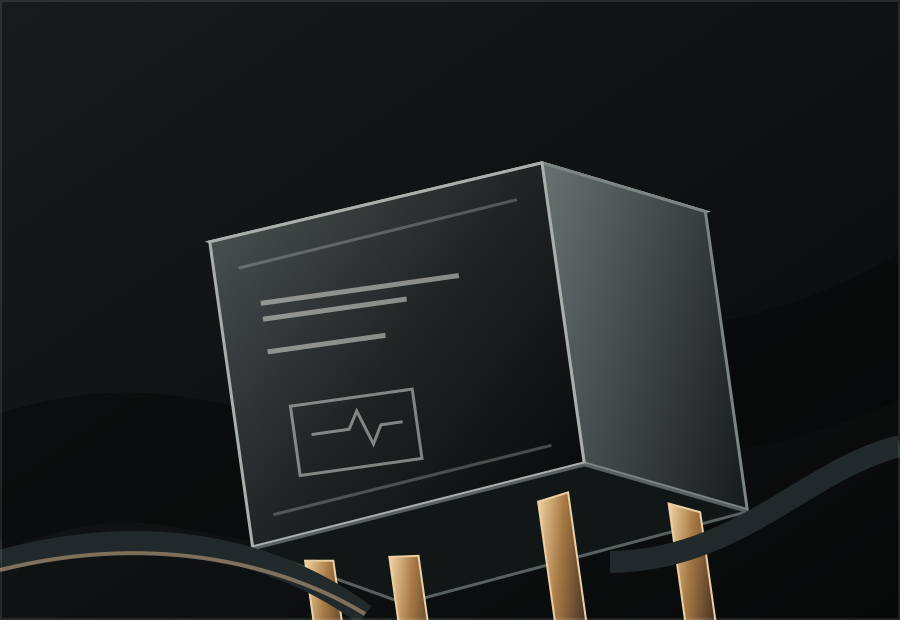
Assign a control for a compatible external fuel pump relay.
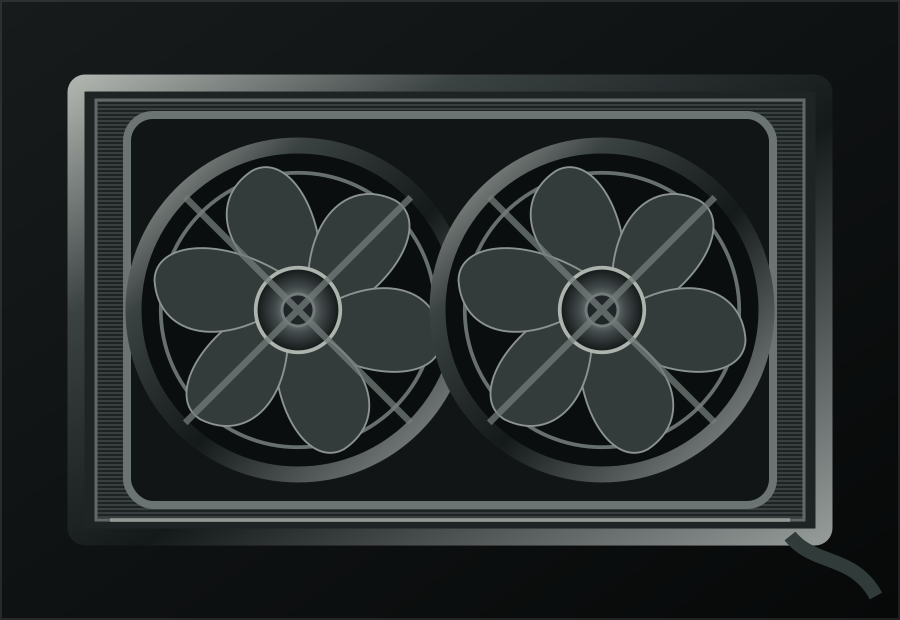
Add a control for a compatible electric cooling fan relay.
Images show reference vehicles, example interfaces, and illustrative graphics, not a Command Core installation. AUX examples require compatible external relays. Street Automotive confirms wiring and function before production.
BUILD YOUR COMMAND CORE ↗Four precise rotary controls keep everyday functions within reach. Turn the knob. Feel the response. Keep your attention on the road.
Your vehicle at the center of the home screen. Choose any accent color within Command Core to make the interface yours.
COMMAND CORE / HOME SCREEN Choose any accent color within the system. These three are examples.
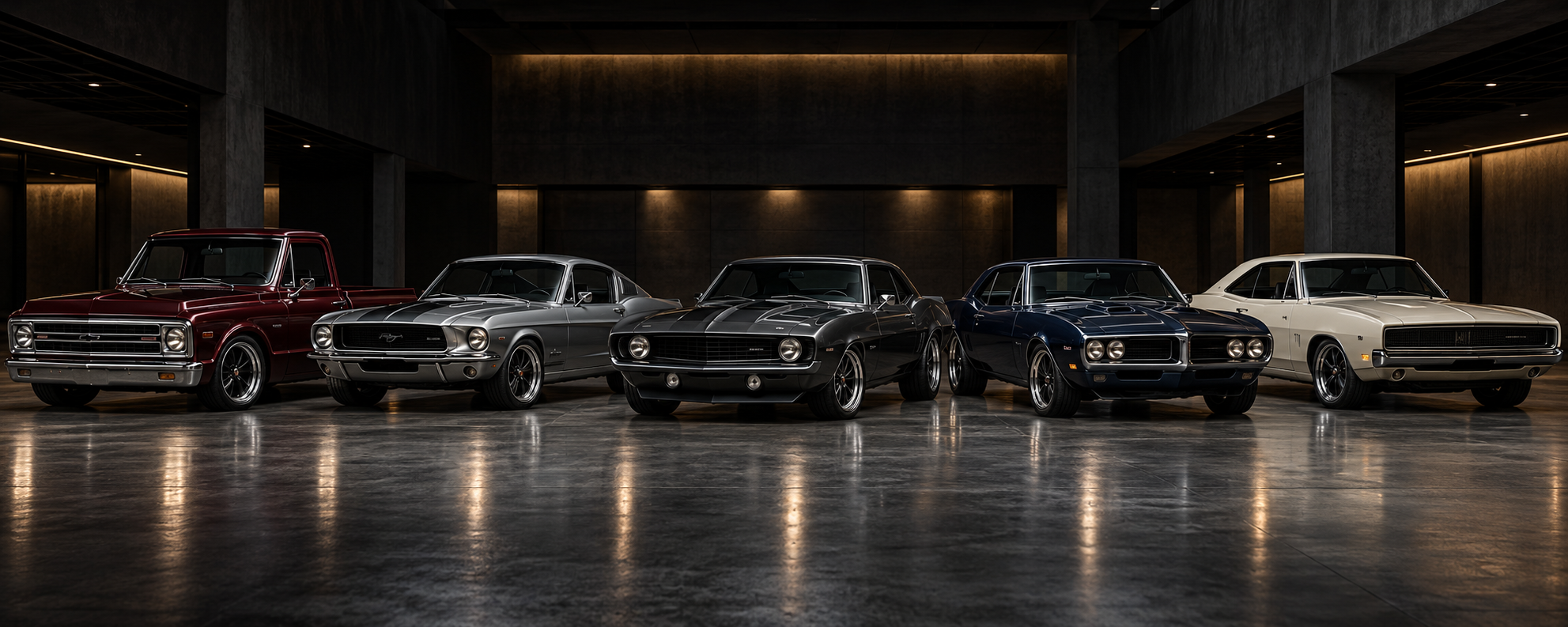
Your vehicle can become part of the experience. Supply a high-quality photograph and Street Automotive can tailor the startup screen and visual theme around your build.
START YOUR BUILD ↗Designed as the central interface for the systems already in your build, and the ones you want to add.
Each integration is assessed against your vehicle and hardware before production.